BN3DHUB Logo

Home / Course Details
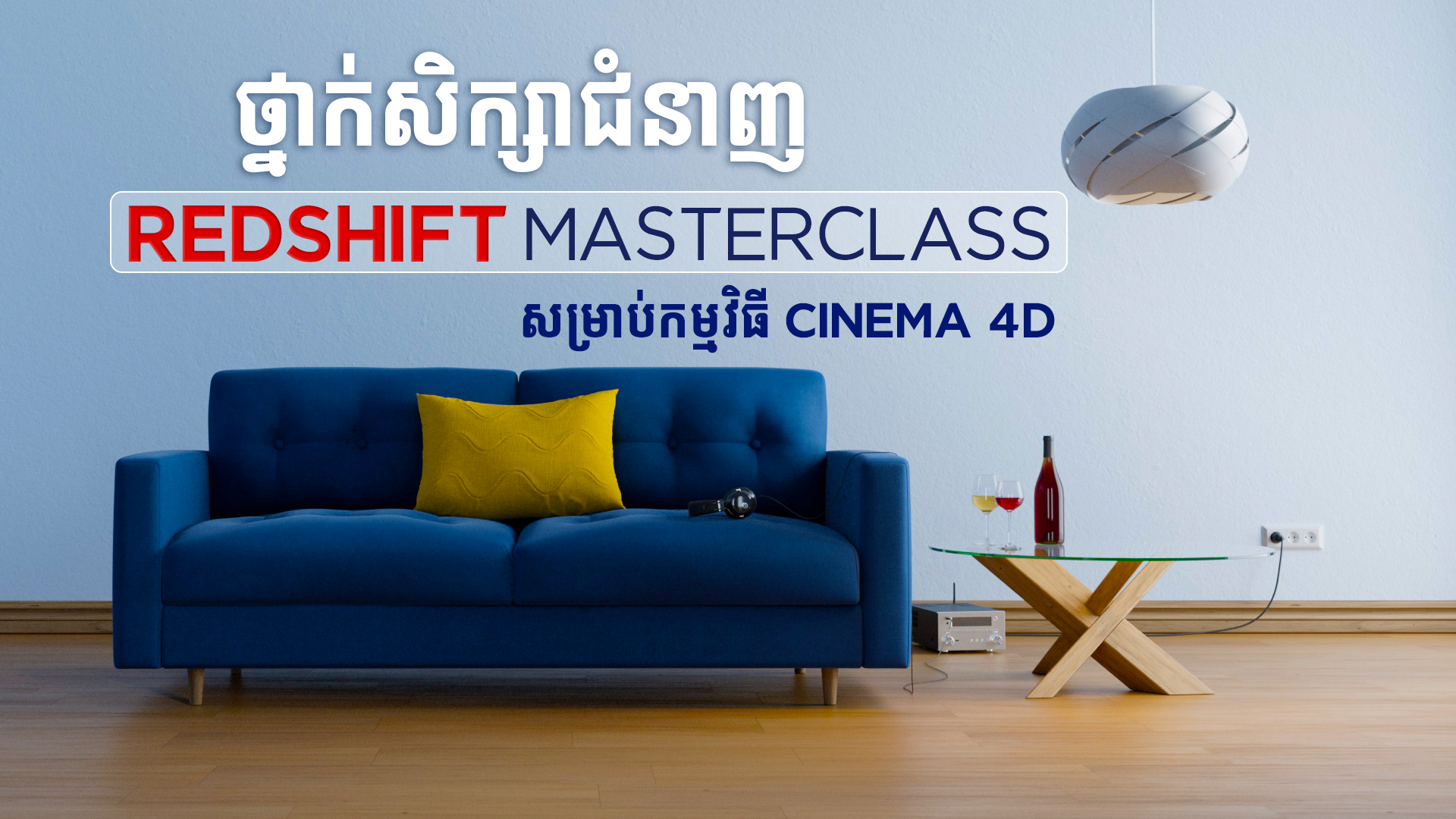
Redshift For Cinema 4D

4.5 (1,234 reviews)
Motion Graphics Product Design Graphic Design Last updated: Aug 17, 2026
Course featured image

Course Details

Master the art of professional 3D rendering with Redshift inside Cinema 4D. In this comprehensive course, you will dive deep into node-based material creation, advanced lighting techniques, camera physical properties, and compositing workflows. Whether you want to achieve photorealistic finishes or cinematic motion graphics, this course provides you with the practical knowledge to elevate your 3D pipeline and deliver production-ready visuals.

Instructor

Vor Bona

Course Level

Beginner

Duration

8 Hours +

Students

0 students

6 sections 47 lectures

|
01

1 - Quickstart in Redshift

Get a fast-paced introduction to the Redshift rendering engine inside Cinema 4D. This chap...

  • 1 - Preparations
  • 2 - Viewport IPR
    Locked
  • 3 - Quick Start Lights
    Locked
  • 4 - Quickstart Camera
    Locked
  • 5 - Quickstart Rendering
    Locked
  • 6 - Progressive Passes vs Bucket Rendering
    Locked
  • 7 - Region Rendering
    Locked
  • 8 - Denoising
    Locked
  • 9 - Basic Mode Optimization
    Locked
  • 10 - Rendering with progressive Passes
    Locked
  • 11 - Basic Mode Motion Blur
    Locked
  • 12 - Realtime Rendering
    Locked
  • 13 - Completion and practice
    Locked
02

2 - Materials

Dive into the fundamentals of surface creation. Learn how to work with the Redshift Standa...

  • 14 - Base and Reflection
    Locked
  • 15 - Transmission
    Locked
  • 16 - SubSurface Scattering
    Locked
  • 17 - Sheen
    Locked
  • 18 - Thin film
    Locked
  • 19 - Coat
    Locked
  • 20 - Emission
    Locked
  • 21 - Opacity
    Locked
  • 22 - Exercise Create Presets for Standard Material
    Locked
03

3 - Material Nodes

Master Redshift's powerful node-based shader graph. This chapter teaches you how to combin...

  • 23 - Material TAG
    Locked
  • 24 - Color Composite
    Locked
  • 25 - Color Layer
    Locked
  • 26 - Texture and Color Manipulation
    Locked
  • 27 - Bump and Normal Maps
    Locked
  • 28 - Displacement
    Locked
  • 29 - Overview of the Texture Nodes
    Locked
  • 30 - Mix Material
    Locked
  • 31- Create Materials with texture
    Locked
04

4 - Lights

Explore the science and art of 3D lighting. Learn how to set up different physical lights...

  • 32 - Lights in Redshift
    Locked
  • 33 - Light Parameters
    Locked
  • 34 - Sun and Sky
    Locked
  • 35 - Details Parameter
    Locked
  • 36 - Caustics
    Locked
05

5 - Cameras

Harness the power of the Redshift Camera to capture cinematic shots. Master physical camer...

  • 37 - Cameras
    Locked
  • 38 - Color Correction and Lens Effects
    Locked
  • 39 - Camera Background Function
    Locked
  • 40 - Motion Blur
    Locked
06

6 - Compositing

Learn the professional production pipeline for rendering and post-production. Understand h...

  • 41 - Create Masks
    Locked
  • 42 - Cryptomattes
    Locked
  • 43 - Render 3D Models in an image
    Locked
  • 44 - Structure on an image by AOVs
    Locked
  • 45 - Complex structure of a beauty image with AOVs
    Locked
  • 46 - Depthpass
    Locked
  • 47 - Ambient Occlusion
    Locked
Share:
$69.00
Watch Free Previews

This course includes

  • Instructor Vor Bona
  • Start Date 05 Nov, 2025
  • Enrollment 0 Total
  • Duration 8 Hours +
  • Lecture 47 Lectures
  • Language Khmer
+1 (555) 123-4567

Follow Us

Get In Touch